Therefore, through the following tips we would love to know you a powerful way to save storage smartphones from photos or images that accumulate as a result of WhatsApp.
How to Save Storage Smartphone from Photographs WhatsApp Piling
Quite easy, you just need to download and install cool apps named Magic Cleaner for WhatsApp. The size is really small, only 9 MB only.
If already installed on Android, open the app Magic Cleaner. You will be greeted with a "babeh-babeh" that will help in sorting through the photos on your WhatsApp. Press his head to start the analysis.
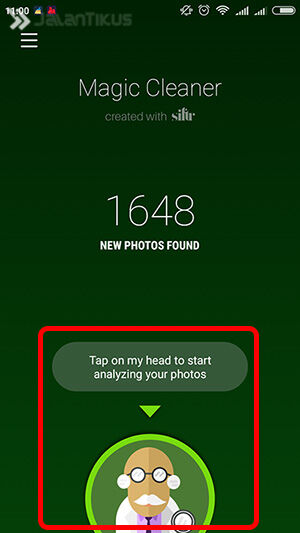
Analysis will begin. The length of the sorting process depends on the number of photos stored on your smartphone. Keep in mind that the Magic Cleaner analyzes per 500 photos each session.
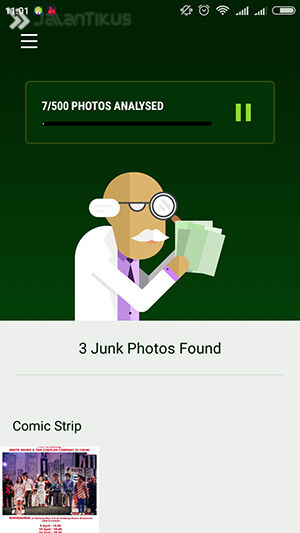
Remarkably, the Magic Cleaner for WhatsApp application is able to classify each image, whether the image is important or not, even if the image is classified as a cartoon, MEME, or screenshot.
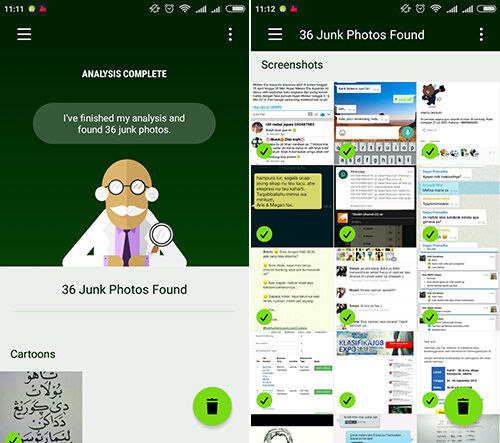
if you have selected any photos you want to delete, then you only need to press the trash icon in the bottom right corner.
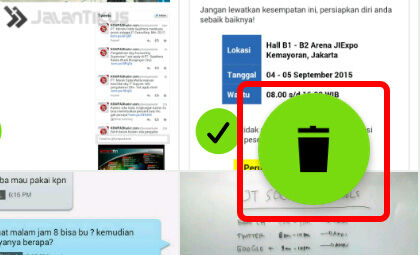
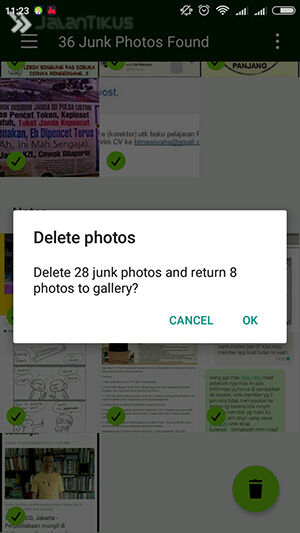
Continue the process by pressing the button Continue Analysis if they last photo you want analyzed.
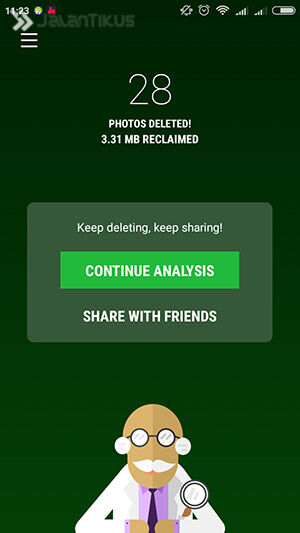
Fun! Your smartphone can now be free from the pictures that are not important and fulfilling storage. Do not forget to give your opinion through the comments field below ya.
0 komentar:
Posting Komentar